Your first journey into the Zone rarely goes to plan. A promising shortcut leads into an anomaly field. A firefight leaves your weapon in poor condition. A backpack full of loot turns the walk home into the most dangerous part of the expedition.
S.T.A.L.K.E.R. 2 rewards preparation, observation, and knowing when to turn back. This guide covers the essentials: planning a trip, managing equipment, approaching combat, and returning with enough supplies for the next journey.
⚠ Spoiler-safe by defaultSpoiler-light guide. No story endings, major plot revelations, or solutions to key narrative choices.
01
Getting Started: Build a Routine
Tip 01
Learn your equipment before you need it
Check the controls for healing, using bandages, switching ammunition, throwing bolts, and equipping your detector. Put essential supplies in quick-access slots and make sure you know which item each slot contains.
These actions should feel familiar before an encounter becomes urgent. Searching through your inventory while injured is a poor time to discover that your usual shortcut contains a different item.
Tip 02
Get to know your first settlement
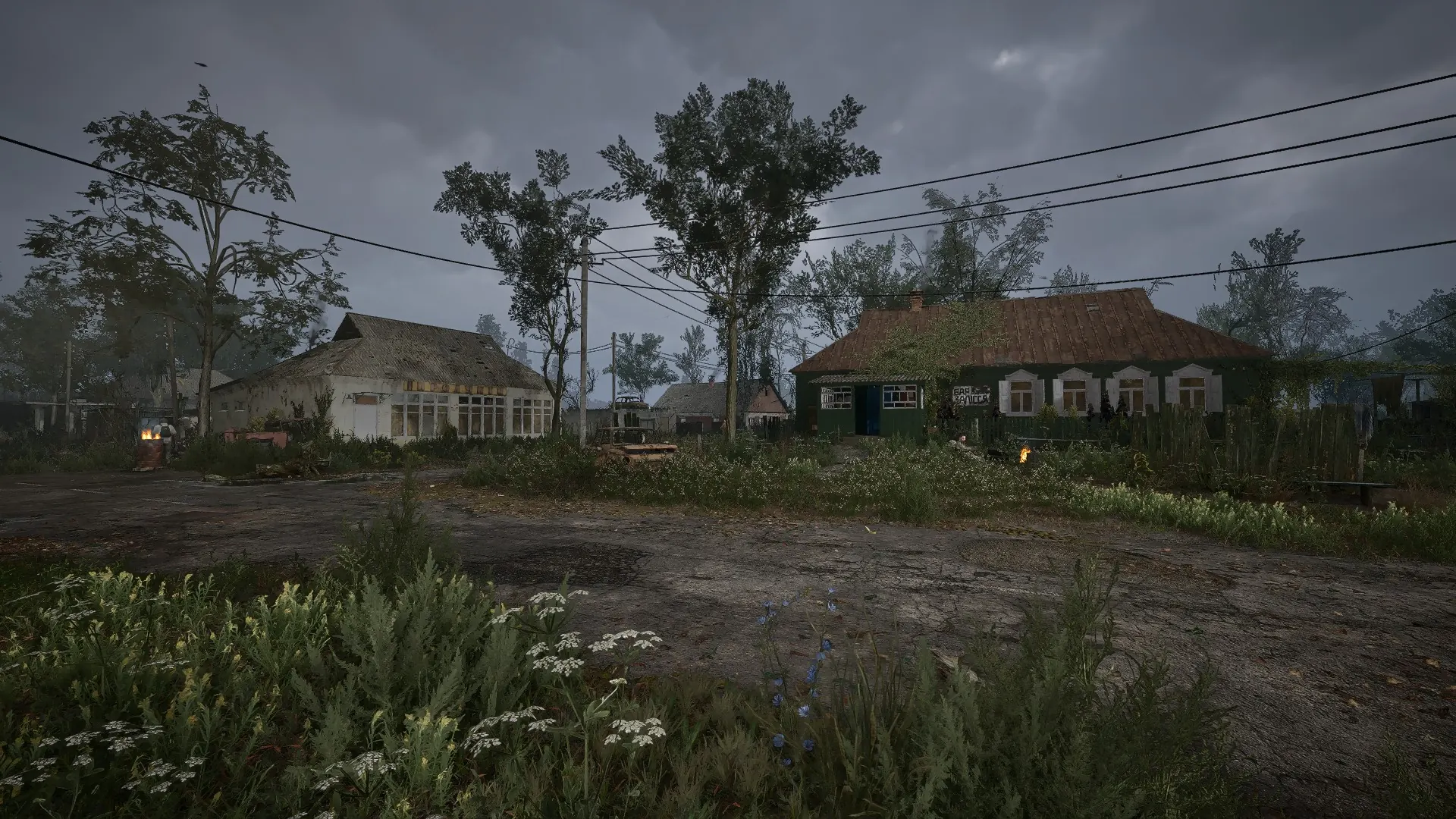
In Zalissya, take time to locate the trader, technician, and personal stash. Use your first visits to establish a routine: sell unwanted items, inspect your equipment, replenish supplies, and put anything unnecessary into storage.
A settlement is also a good place to pause and decide what you want to accomplish next. Choose a manageable objective before setting off again.
Tip 03
Check your difficulty and saving settings
Choose settings that suit how you want to experience the game. Read the descriptions carefully, particularly any rules affecting saves.
Where your settings allow it, keep separate manual saves before a long expedition or an important conversation. Avoid relying entirely on one repeatedly overwritten slot.
02
Preparing for an Expedition
Tip 04
Pack for the journey ahead
A short trip near a settlement and a long journey into unfamiliar territory call for different preparations.
Before leaving, check that you have:0/5
Avoid packing for every possible situation. If you are carrying several weapons that serve the same purpose, consider leaving one behind.
Tip 05
Give your route a destination and a return point
Look beyond the objective marker. Identify where you can resupply afterward and consider whether another task lies along the same route.
An efficient expedition might combine a mission, a nearby stash, and a return to a settlement. A less practical one sends you across several regions while already carrying more than you need.
Leave room to change your plan. An unexpected fight may make returning early the sensible choice.
03
Weapons, Armor, and Repairs
Tip 06
Condition matters
A weapon’s usefulness depends on more than its damage rating. Worn firearms can jam, making their condition especially important when a fight leaves little time to react.
Inspect your main weapon before a difficult mission. If it is deteriorating, visit a technician and check the repair cost.
Pay attention to armor as well. Spending everything on a new gun while neglecting the rest of your equipment can leave you poorly prepared.
Tip 07
Upgrade equipment you intend to keep
Before buying an upgrade, ask whether the item suits your play style and whether you expect to keep using it.
A weapon with familiar handling and a manageable ammunition supply may be a better investment than a newly discovered alternative. Compare the whole package: condition, maintenance, ammunition, and the situations in which you will actually use it.
Keep some money available after upgrading. Your next trip still needs supplies and repairs.
Tip 08
Inspect loot before carrying it away
Finding a weapon does not automatically make it worth transporting.
Check its condition, weight, and ammunition. Unload useful rounds before leaving an unwanted firearm behind. If you are considering repairing an item for resale, compare the repair bill with what you expect to earn.
04
Combat: Give Yourself Options
Tip 09
Look before opening fire
When you notice a group ahead, take a moment to assess the situation. Look for cover, possible routes around the encounter, and somewhere to retreat.
Avoid beginning a fight simply because you have spotted a target. Consider what the encounter will cost and whether it helps you reach your objective.
Tip 10
Use cover and reposition
From behind cover, expose yourself only as much as necessary to take a shot. If enemies begin approaching from another direction, reassess your position.
When you have a safe opportunity, reload and check your supplies. Going into the next encounter with a nearly empty magazine is an avoidable disadvantage.
Tip 11
Treat mutant encounters differently
Observe how a creature moves and when it attacks. Pay attention to sound, distance, and the space around you.
Choose your weapon for the encounter rather than forcing every situation into the same approach. A narrow interior and an open field offer different possibilities.
If you are spending supplies without gaining control of the fight, look for a way out. Surviving an encounter can mean leaving it behind.
05
Anomalies and Artifacts
Tip 12
Slow down in unfamiliar terrain
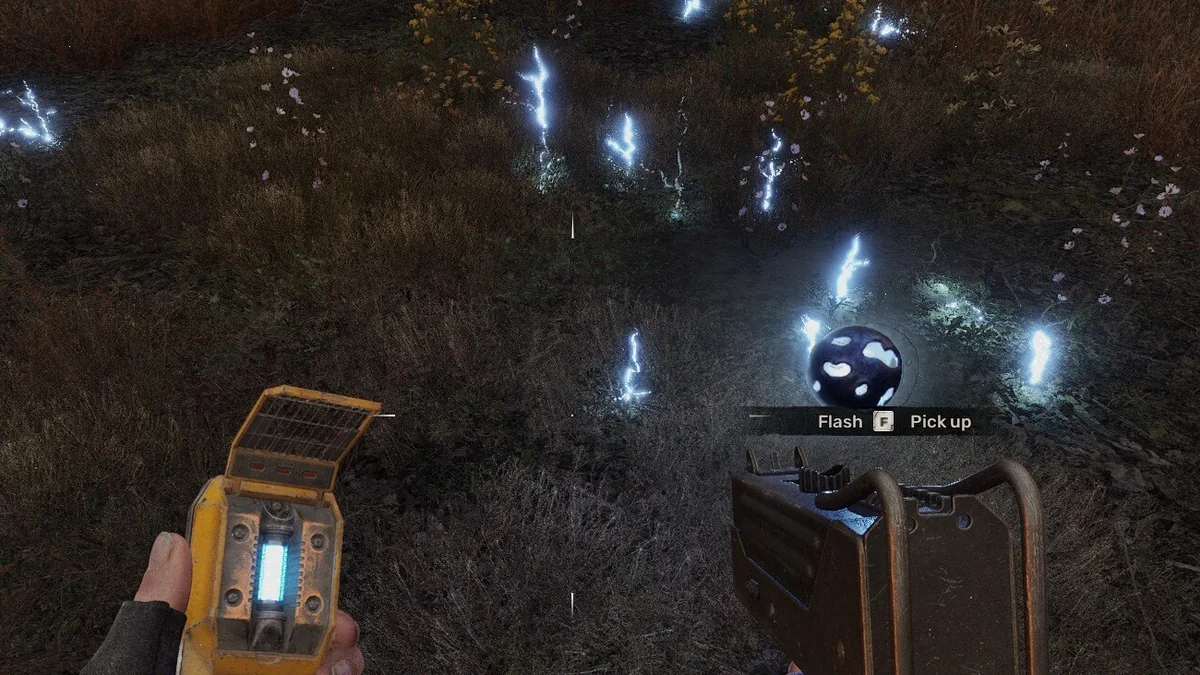
An anomaly field changes how you should move. Watch for visual disturbances, listen for warning sounds, and avoid running directly toward an attractive-looking item.
Use bolts to test suspicious areas and observe the response. A thrown bolt can reveal danger, but it does not make the entire area safe.
Before moving farther in, identify a route back out.
A detector leads to the Flash artifact inside an electrical anomaly field. Screenshot: GSC Game WorldTip 13
Follow the detector carefully
Use your artifact detector to narrow the search. Move deliberately and pay attention to how its signals change.
The artifact is only part of the task. You also need to reach it and leave the field. Avoid focusing so closely on the detector that you stop watching the ground ahead.
Tip 14
Read the effects before equipping an artifact
Artifacts can offer useful bonuses alongside drawbacks. Check the description before adding one to your equipped set, particularly any radiation-related effects.
After changing your setup, watch your status indicators. If radiation starts accumulating, reconsider the combination and the protection available to you.
An impressive bonus is only useful if you can manage its cost.
06
Emissions: Make Shelter Your Priority
⚠ Emission warning
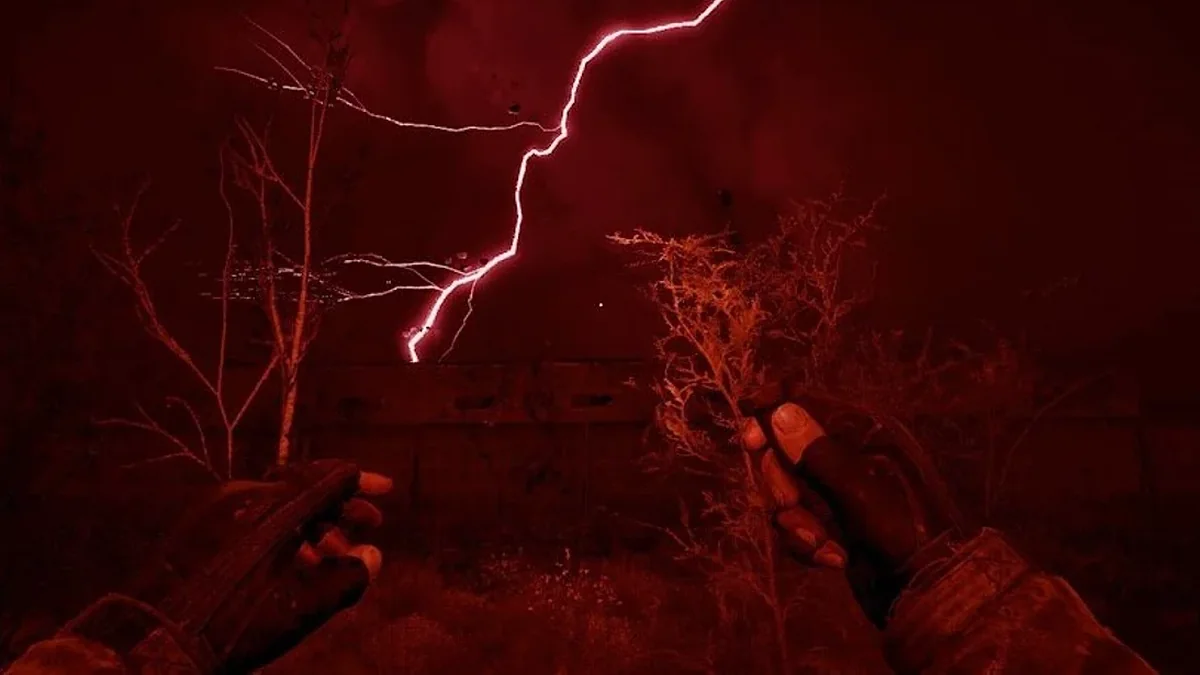
When an emission warning arrives, stop optional exploration and head for shelter. Follow the shelter objective when one appears.
Do not assume that every roof or small structure will protect you. Prioritize a suitable shelter, and avoid spending the remaining time on one more container or a nearby enemy.
Stay inside until the emission has ended. Use the interruption to review your inventory and decide whether to continue the expedition afterward.
During an emission the sky turns red and the Zone itself becomes the main threat. Screenshot: GSC Game World
07
Money and Trading
Tip 15
Count the cost of a journey
Mission rewards and sales help fund your progress, but ammunition, treatment, and repairs all affect what you actually gain.
Before taking an unnecessary fight, consider the likely return. An encounter that leaves you with damaged equipment and little useful loot may make the next mission harder to prepare for.
Tip 16
Sell selectively
Keep ammunition for the weapons you use and supplies that support your next objective. Consider selling surplus equipment and items you have no immediate use for.
Use your stash for equipment you want to keep without carrying it everywhere.
Avoid spending your entire balance at once. A reserve gives you flexibility when your next expedition is more expensive than expected.
08
Exploring Without Losing Your Way
Tip 17
Investigate the space around a marker
If a stash marker seems to point to an empty spot, look above and below it. Check nearby roofs, underground spaces, and alternative entrances.
Observe the building before searching every corner. A ladder, opening, or adjoining structure may suggest the route.
Tip 18
Read your journal
After a conversation, check the objective and any new information in the PDA. The marker tells you where to go; the journal can help explain what you are trying to accomplish.
Before a major decision, consider making a separate save if your settings permit it.
Tip 19
Let some discoveries happen naturally
You do not need to optimize every journey. Following an unfamiliar path or investigating a distant structure is part of the experience.
Prepare enough to explore confidently, then leave yourself room to be curious.
09
Common Mistakes to Avoid
✕
Carrying every weapon you find. Inspect its condition and usefulness before accepting the extra weight.
✕
Buying upgrades without a repair budget. Keep enough money to maintain your everyday equipment.
✕
Ignoring a status warning. Identify the cause instead of repeatedly using healing items.
✕
Entering an anomaly field without an exit route. Plan how you will leave before approaching the artifact.
✕
Continuing an expedition after supplies run low. Returning early can preserve both your equipment and your progress.
✕
Following an old guide without checking its version. Updates and mods can change mechanics, balance, and item availability.
Before You Head Out
Check your weapon, ammunition, medical supplies, carrying weight, and route. Know where you intend to go—and where you can return if the plan changes.
You will still make mistakes. The useful ones teach you something: a sound to recognize, a route to avoid, or an item worth carrying next time.
 Screenshot: GSC Game World